Buying a Used MacBook: Activation Lock, Company Management, Battery Cycles and macOS Support
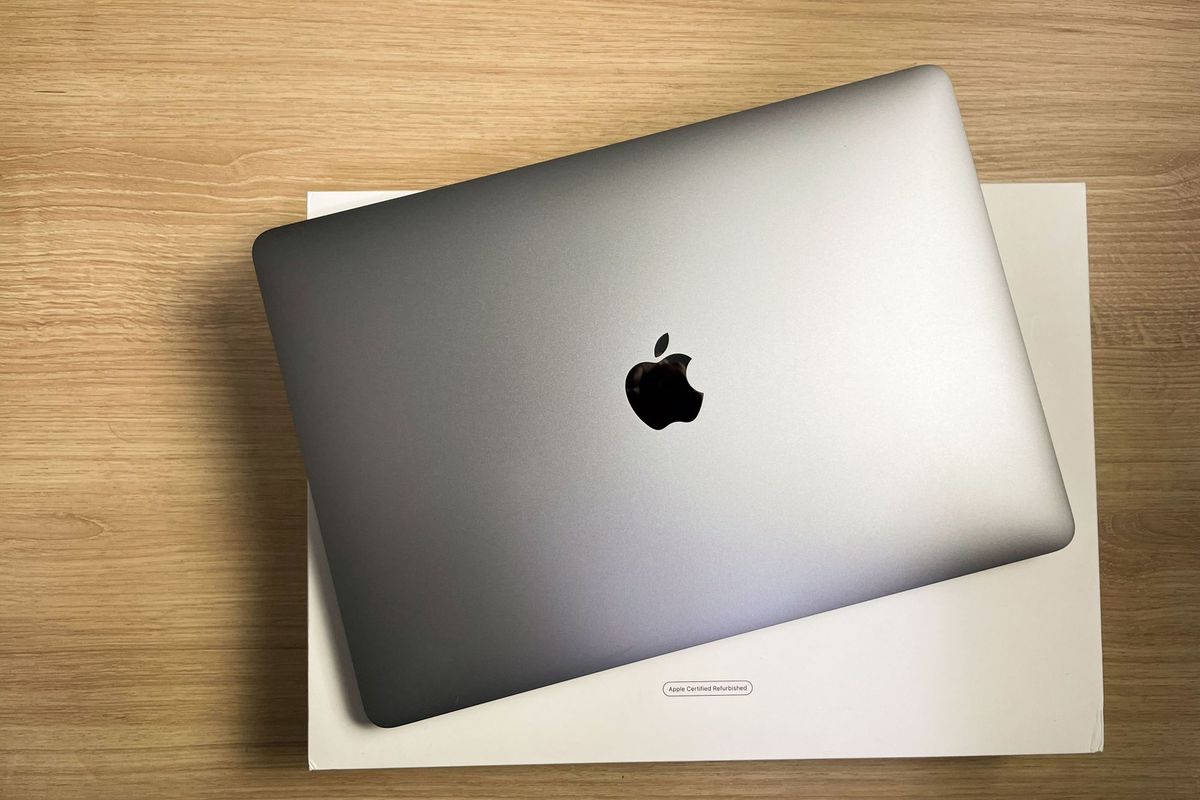
A used Mac can look perfect and still be unusable to you. Before the price, confirm four things with the seller: Find My and Activation Lock are off, the Mac was never enrolled in a company or school management program, the battery cycle count, and that the exact model is on Apple’s macOS Tahoe 26 compatibility list. Everything here comes from Apple’s support pages; we have not inspected any listing.
Models at a glance
-
MacBook Air (M1, 2020)
Apple silicon · 13-inch
- M1chip
- 8 GBmemory (16 GB option)
- 49.9 Whbattery
- YesmacOS Tahoe 26 list
Support end date: not confirmed. Apple publishes “vintage/obsolete” by sale-end date, not a fixed end date per model.
-
MacBook Pro (14-inch, 2021)
Apple silicon · M1 Pro / M1 Max
- M1 Pro / Maxchip
- 16 GBbase memory
- 70 Whbattery
- YesmacOS Tahoe 26 list
Support end date: not confirmed. Apple publishes “vintage/obsolete” by sale-end date, not a fixed end date per model.
Illustrations show the product type, not the specific model. Figures are the manufacturers’ published specifications for new units; “n/c” means we did not find an official figure.
Good fit if
- You are comparing used MacBook Air or MacBook Pro models from the Apple-silicon (M1) generation.
Not a fit if
- You need a model recommendation by price — we show no prices and do not rank listings.
Models this guide covers
| Model (Apple name) | Chip | Battery | On macOS Tahoe 26 list? |
|---|---|---|---|
| MacBook Air (M1, 2020) | Apple M1, 8-core CPU | 49.9-watt-hour | Yes |
| MacBook Pro (14-inch, 2021) | M1 Pro or M1 Max | 70-watt-hour | Yes |
Sources: Apple tech-specs pages and “macOS Tahoe 26 is compatible with these computers”. Apple’s list also includes the MacBook Air (M2, 2022) and MacBook Pro (13-inch, M1, 2020); we have read their sheets but give the two above as the clearest examples. Compatibility today is not a promise of future macOS versions.
Activation Lock
Apple says an Apple-silicon Mac with Find My turned on has Activation Lock, and that without the previous owner’s Apple Account password you cannot turn off Find My, erase the Mac or reactivate it. The seller needs to turn off Find My or remove the Mac at iCloud.com/find before shipping. Ask for written confirmation, and treat a locked Mac as unusable.
Company or school management
A Mac enrolled in an organization’s Automated Device Enrollment can be set so the user cannot remove the enrollment, either from System Settings or with the profiles command. An organization-owned Mac must be released from Apple Business Manager or Apple School Manager by that organization. Ask the seller whether the Mac was ever bought or issued by an employer or school, and whether it was released.
Battery, repairs and support
- Cycle count: hold Option, open the Apple menu, choose System Information, then Power. Apple states these Mac notebook batteries are designed to keep up to 80% of original capacity at 1,000 cycles. Ask for a screenshot of the Cycle Count and Condition.
- Reset: Apple recommends the seller erase the Mac (Erase All Content and Settings where available). Ask whether this was done.
- Parts pairing: Apple says that on Apple-silicon Macs running macOS Tahoe 26 or later, parts from another device can end up locked to a previous owner’s account, and suggests checking for unfinished repairs with Repair Assistant. Ask whether any parts were replaced.
- Service terms: Apple defines “vintage” as products no longer sold for more than 5 and fewer than 7 years and “obsolete” as more than 7 years; for Mac notebooks, battery-only repair can be available for up to 10 years after sale ends, subject to parts. We did not find the sale-end date for these models, so their status is Not confirmed.
- Warranty: Apple’s sell guide says an AppleCare plan can be cancelled or transferred. Warranty status is checked by serial number; ask the seller for it, and treat the answer as unknown until you see it on the listing.
Reading the eBay condition
“Used”, “Open Box” (eBay’s New other) and eBay Refurbished grades mean different things; see Refurbished vs used laptops. A seller who repaired a Mac is not an eBay Refurbished seller. Listings “for parts or not working” and Macs still tied to an account can look like working ones in search results.
- Used
- Open Box (New other)
- eBay Refurbished – Certified
- eBay Refurbished – Excellent
- eBay Refurbished – Very Good
- eBay Refurbished – Good
- Seller refurbished
- For parts or not working
Current listings
We have not joined the eBay Partner Network yet, so links to eBay on this site are plain links and we earn nothing from them today. We may earn a commission in the future if we join.
We don’t show individual listings, prices or stock here: they change by the hour and we haven’t checked any. Current listings are on eBay — the buttons below open an eBay search limited to Buy It Now items (remove that filter on eBay to see auctions).
- Search used MacBook Air (M1, 2020)
See available listings on eBay - Search used MacBook Pro 14-inch (2021)
See available listings on eBay
Search results can include items for parts, empty boxes and accessories. Seller descriptions are the seller’s own statements; we have not verified them.
Related guides
- Buying a Used Business Laptop: Windows Support, Locks and Battery
- Refurbished vs Used Laptops on eBay: What the Labels Mean
Sources and method
Facts are labeled by type. Manufacturer figures are for new products as documented by the maker; they are not measurements of any used item, and we did not buy, use or inspect these products. Reviewed 2026-11-06. See How We Evaluate.
- Apple — Activation Lock for Mac — Official documentation
- Apple — Automated Device Enrollment and device management — Official documentation
- Apple — Determine battery cycle count for Mac laptops — Official documentation
- Apple — macOS Tahoe 26 is compatible with these computers — Official specification
- Apple — What to do before you sell your Mac — Official documentation
- Apple — Service after warranty (vintage and obsolete) — Official documentation
- Apple — MacBook Air (M1, 2020) tech specs — Official specification
- Apple — MacBook Pro (14-inch, 2021) tech specs — Official specification
- Checklist logic — Our analysis
PreOwnedPick is not eBay and does not sell, inspect, repair or warrant items. Prices, availability and terms are set by sellers and eBay.